
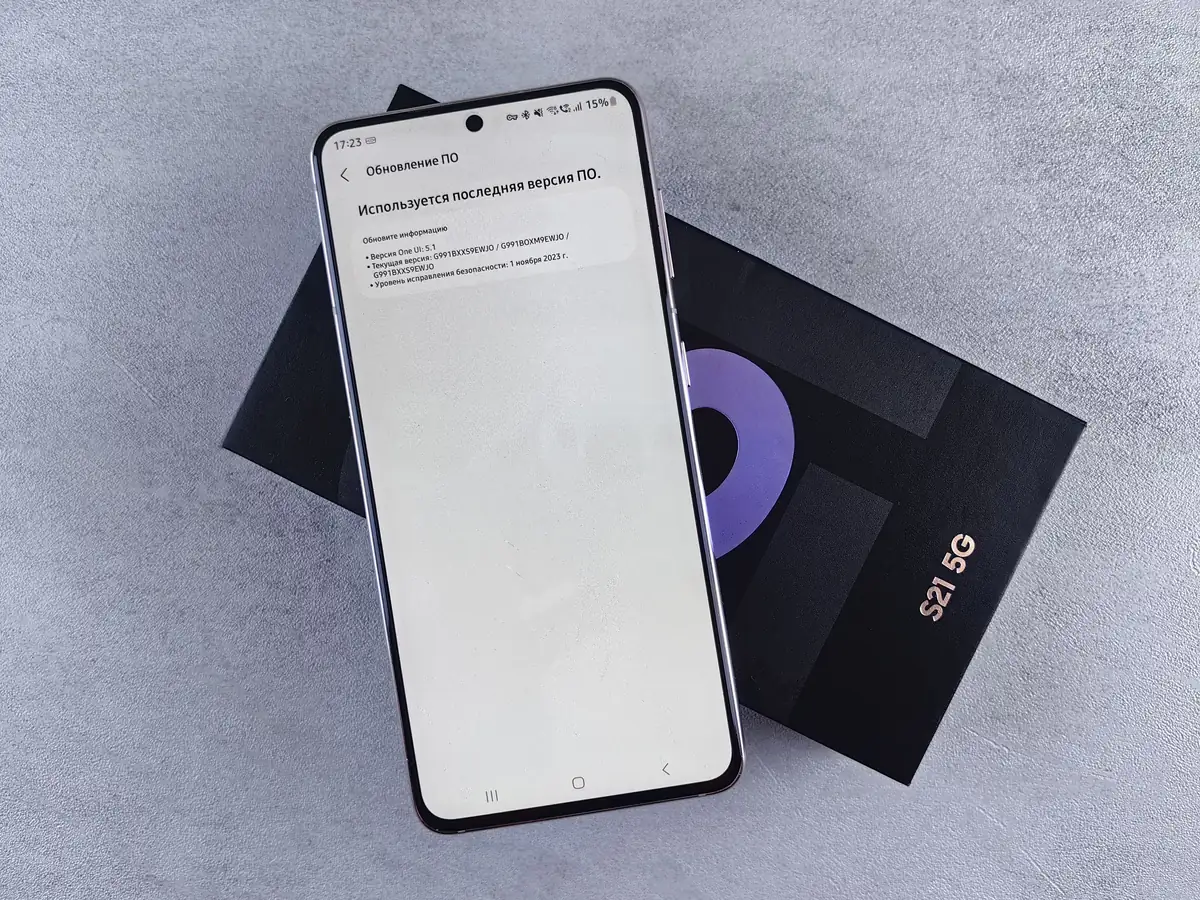
Most new smartphones now support 5G, so the question is no longer whether to buy a 5G phone, but which one suits the way your team works. A model that looks great on a spec sheet can still frustrate employees if the battery fades by mid-afternoon or security updates stop after a year or two.
Use the seven checks below before you commit to a model for your whole team. They work whether you are replacing a few phones or planning a company-wide rollout.
Why 5G matters for business teams
5G can deliver faster mobile data and more responsive connections than 4G LTE. For business users, that helps with video calls on the road, uploading photos and large files from site visits, and using the phone as a hotspot for a laptop.
Real-world speeds depend on network coverage where your people actually work. Where 5G is not available, phones fall back to 4G LTE, so coverage across your offices, client sites, and provinces matters more than peak speed figures.
The 7-point business phone test
- Network and coverage. Check 5G and 4G coverage from your carrier in the places your team spends the most time. Confirm that the model you choose supports the network bands used in the Philippines.
- Battery life. A business phone should last a full working day of calls, messaging, maps, and hotspot use. 5G can use more power than 4G, so look at real battery capacity and fast-charging support, and check whether a charger is included in the box.
- Performance and storage. Business apps, messaging histories, and photos fill phones quickly. More storage than you think you need avoids slowdowns and “storage full” warnings later; 128GB is a sensible starting point for most business users.
- Camera for work. Field teams use cameras to document deliveries, site conditions, receipts, and signed forms. Check for sharp close-up shots and a good document-scanning experience rather than headline megapixels.
- Security and software updates. Choose models with a clear, multi-year commitment to operating system and security updates. Fingerprint or face unlock, device encryption, and support for business device management make phones safer to deploy.
- Durability. Water and dust resistance ratings, tougher glass, and a good protective case reduce downtime for employees who work outdoors or travel often.
- Dual SIM and eSIM. Dual SIM or eSIM support lets employees keep a work number and a personal number on one device, or switch carriers for better coverage.
Standardize on one or two models
Choosing a small number of models for your whole team makes life easier for everyone. Cases, chargers, and screen protectors are interchangeable, setup steps are identical, and troubleshooting is faster because every phone behaves the same way.
A common approach is one standard model for most staff and a higher-end option for managers or roles that rely heavily on the camera or on mobile apps.
Look at total cost, not just the device price
- The phone itself, plus cases, screen protectors, and chargers
- Mobile plans and data allowances
- Spare units for repairs and new hires
- Warranty coverage and how replacements are handled
- Time spent setting up and supporting each device
How Comfx helps
Comfx sources genuine, factory-sealed smartphones with official manufacturer warranty coverage for businesses across the Philippines. Tell us how many phones you need, who will use them, and your preferred brands, and we will send an itemized quote within 24 hours. You can also browse our business smartphone options or see how we equip remote and hybrid teams.