

Remote work has let Philippine companies hire good people well outside Metro Manila. Supporting them is another matter. When a new hire in Bacolod or Cagayan de Oro needs a laptop, headset and monitor by Monday, a trip to the mall isn't an option.
Here is how operations and IT teams can plan, ship and manage a company WFH setup without tying up staff in packing and courier bookings, or losing track of company devices.
What goes into a company WFH setup
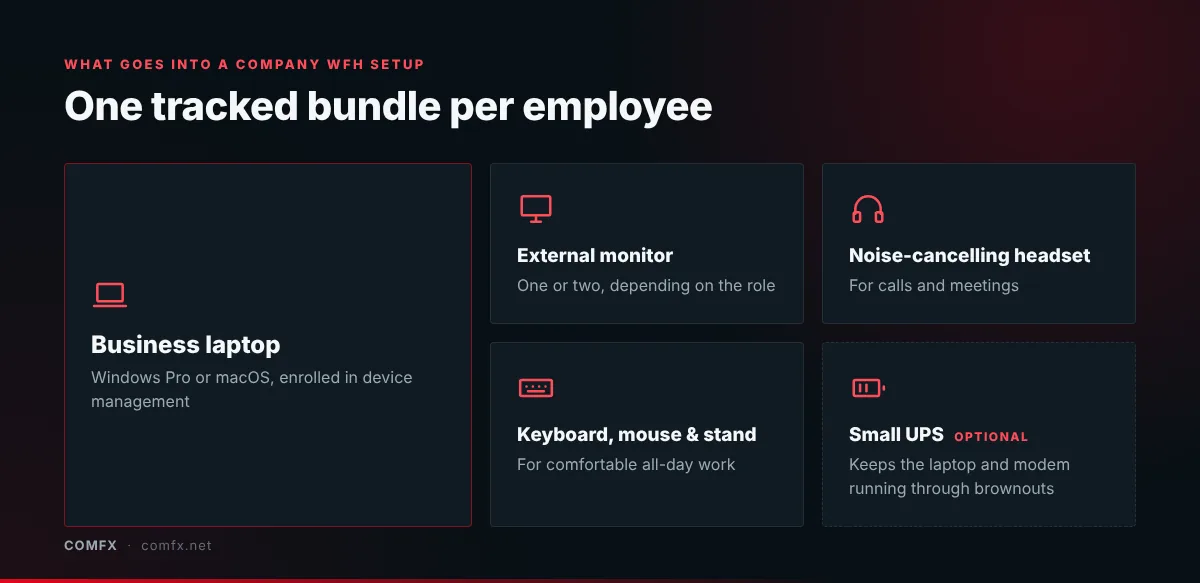
A good work from home setup gives remote staff the same basics they would have in the office. For most roles, that means:
- A business laptop with Windows Pro or macOS, enrolled in your device management
- An external monitor, or two for roles that work across several screens
- A noise-cancelling headset for calls and meetings
- A keyboard, mouse and laptop stand for comfortable all-day use
- Optional: a small UPS to keep the laptop and modem running through brownouts
You can source the monitor, headset and desk accessories together from our computer peripherals range.
Three common bottlenecks
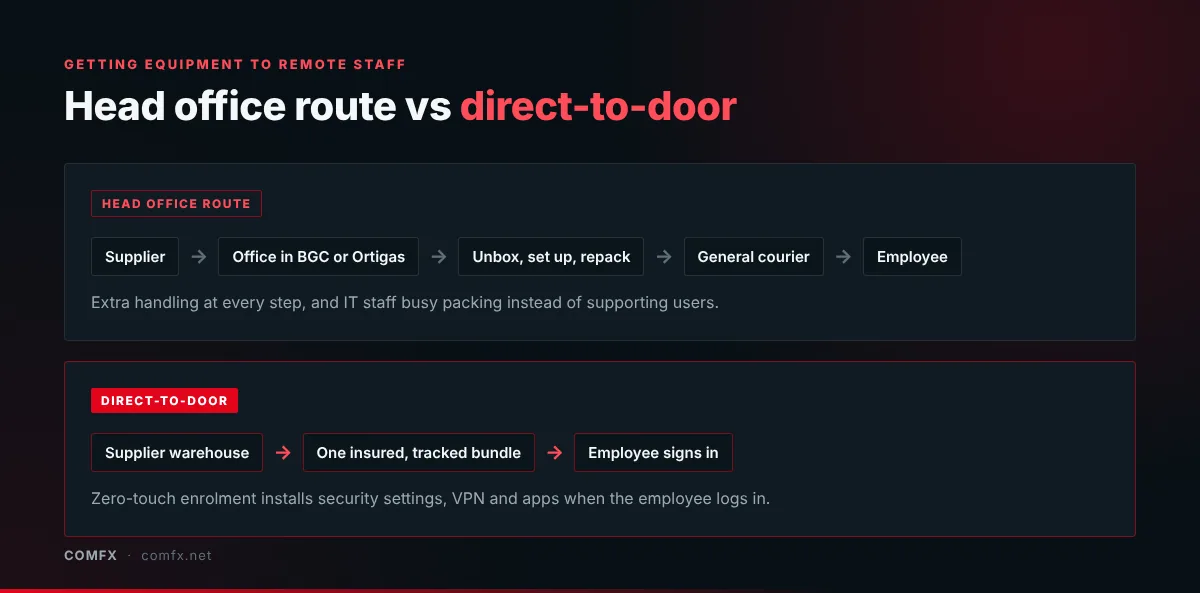
- The head office bottleneck: Laptops are delivered to the office in Ortigas or BGC, unboxed, set up, repacked and then booked through a general courier. This adds days to every new starter and keeps IT staff busy with packing instead of support.
- Inter-island freight risk: Air and sea cargo between islands can mean rough handling, tampering and weather delays. Without proper packaging and transit insurance, high-value devices are exposed.
- Offboarding and returns: Getting equipment back from departing remote staff is often left until it's too late, which leaves company property unrecovered and data at risk.
Ship direct, bundle everything, enrol automatically
- Direct-to-door delivery: Equipment ships from a secure central warehouse in Quezon City straight to the employee's home, anywhere in the country, with insured logistics in case of transit damage.
- One bundle per person: Instead of sending the laptop, mouse, stand and headset in separate parcels, pack the full WFH setup as one tracked shipment so nothing goes missing.
- Zero-touch enrolment: With Windows Autopilot for Windows devices or Apple Business Manager for Macs, laptops can ship sealed from the factory. When the employee connects to their home Wi-Fi and signs in with company credentials, security settings, VPN and work apps install automatically.
Choosing a laptop for work from home
Not every business laptop suits remote staff equally well. When you choose a laptop for work from home, look for good battery life to ride out short power interruptions, a decent webcam and microphone for video calls, enough USB-C or Thunderbolt ports to connect a dock and monitor, and on-site warranty support that reaches the employee's province, not just Metro Manila. Our guide to buying a laptop for business covers warranty terms in more detail.